

Displayr

Displayr partnered with us to envision a refreshed UX/UI that builds on the platform’s core strengths, speed, power, and flexibility, while addressing growing complexity. As an all-in-one analysis and reporting tool used by insights teams worldwide, Displayr needed a clearer, more modern interface that excites existing power users and appeals to new audiences.
The goal was to evolve the product’s visual and interaction design without disrupting the workflows customers love, creating a foundation for progressive improvements across the platform.
Key focus areas
Information architecture and navigation – We restructured core functional areas, such as the Object Inspector, toolbar, and navigation bar, around logical groupings that scale with Displayr’s expanding feature set. The new hierarchy improves discoverability and consistency across tools while reducing cognitive load for both analysts and casual users.
Expanded canvas and workspace – To better support complex data visualisation and storytelling, we introduced a flexible canvas model that moves beyond fixed slides. Users can pan across a larger workspace (space-bar + drag), aligning Displayr with the interaction patterns of leading design tools like Figma or Adobe XD, empowering more fluid creation and organisation.
Simplified toolbar and controls – We consolidated core functionality into a streamlined toolbar that prioritises frequent actions and uses hover states and icon-only menus to free up space for analysis. This “quiet” design approach mirrors modern productivity suites like Google Workspace and Miro, reducing clutter and keeping the data front and centre.
Panel redesign – The Object Inspector and other window panels were redesigned for greater scannability and efficiency, with inputs appearing contextually on hover or focus to reduce visual noise while retaining clear affordances. Adjustments to spacing, padding, and hit areas enhance legibility, rhythm, and usability, minimising scrolling and supporting faster, more confident interactions without sacrificing information density.
Responsibilities
-
UX review & heuristic evaluation
-
Information architecture analysis
-
High-fidelity UI design
-
Interaction design concepts
- Front-end collaboration
Opportunity areas
- Increased product appeal and adoption through a modernised, brand-aligned interface
- Improved workflow efficiency and discoverability via clearer information architecture
-
Enhanced usability and visual clarity through simplified controls and cleaner layout
-
Strengthened long-term scalability by establishing a cohesive design system foundation


Explore More Work
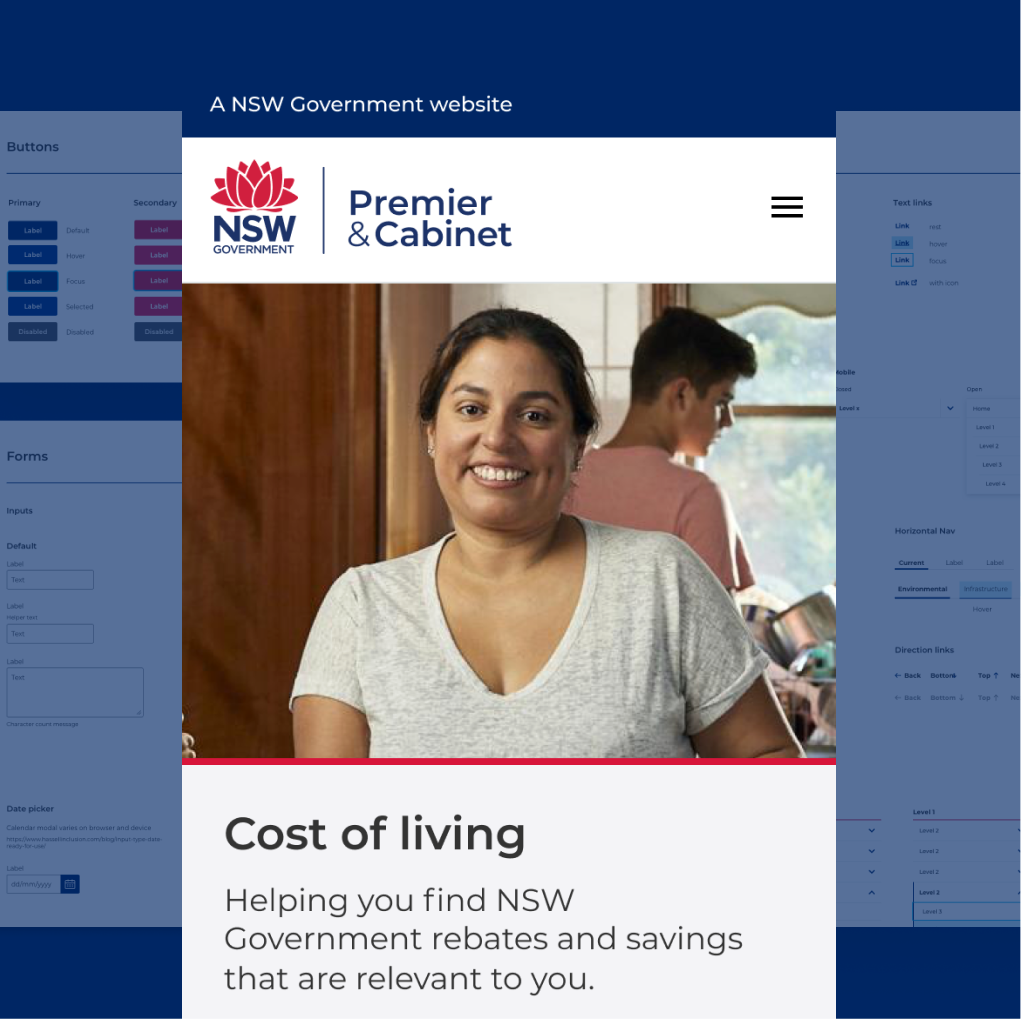
NSW Government – Design System
NSW Government – Design System
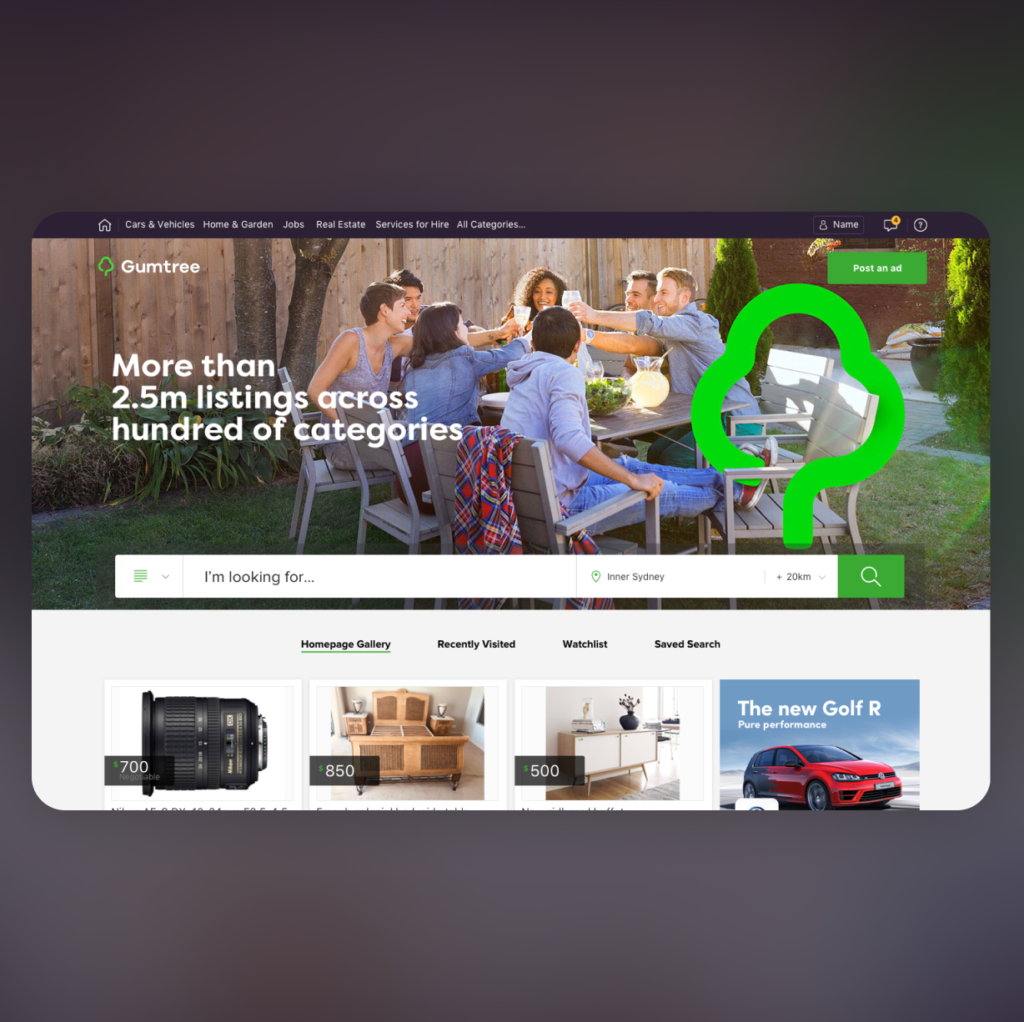
Gumtree
Gumtree

Qantas – Various projects